Pay for business email with telebirr
You can pay for uMail in birr from your phone. Here are the steps, one by one.
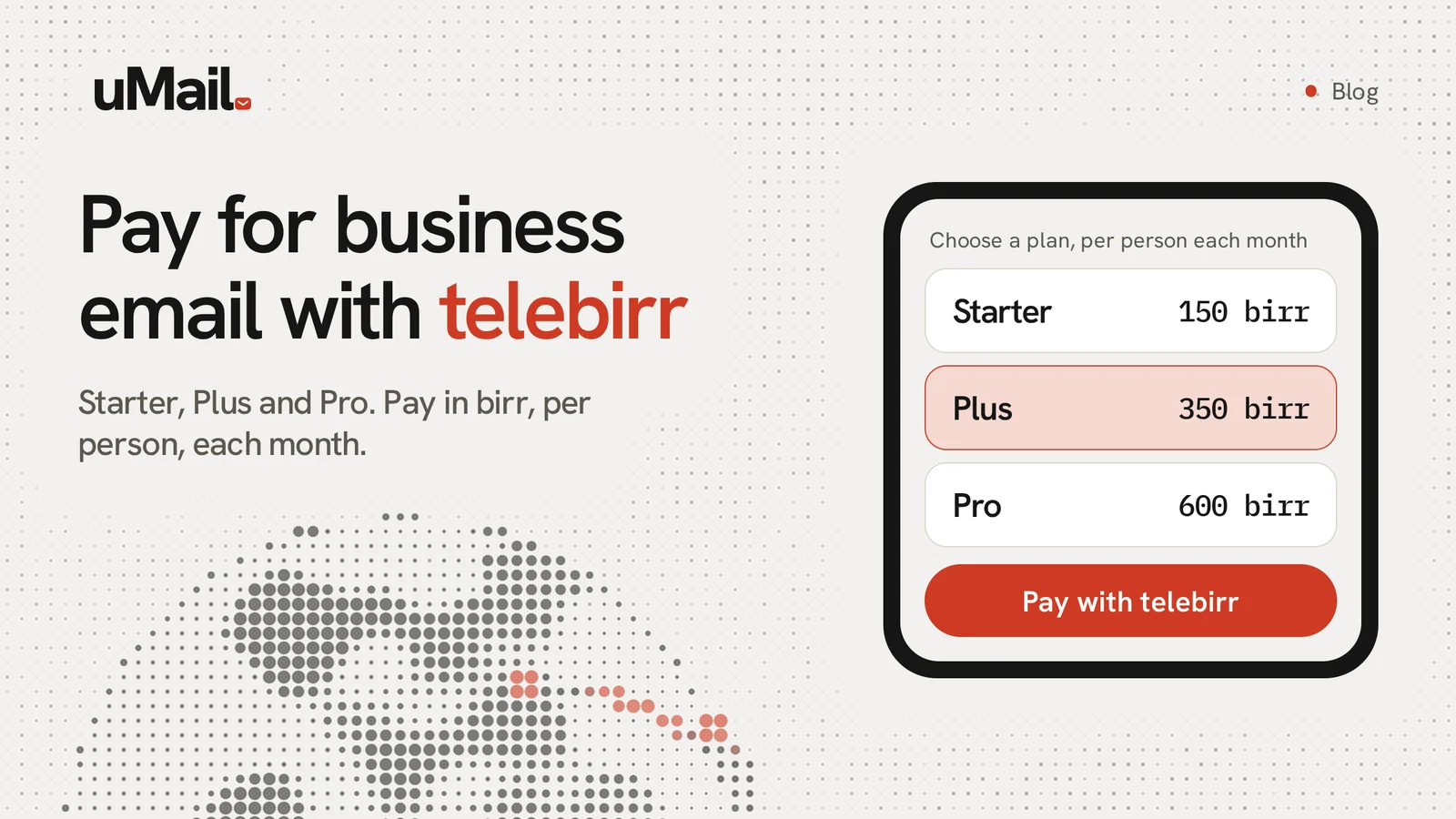
Paying for business email should not be hard. With uMail you pay in birr with telebirr. You do not need a bank card.
How it works
You send the money with telebirr. Then you tell uMail the transaction ID so we can find your payment.
Steps
- Sign in as an owner or admin. Open Billing in the admin console.
- Find the open invoice and choose Pay with telebirr.
- uMail shows the amount, the telebirr account to pay and your invoice number.
- Open telebirr on your phone. Send exactly that amount to that account.
- When the payment is done, telebirr shows a transaction ID. You also get it in an SMS. Copy it.
- Go back to uMail. Paste the transaction ID in the box and send it.
What does "Checking payment" mean?
It means uMail got your transaction ID and is checking it. This is usually quick. When the payment is confirmed, your invoice shows Paid and your service is extended.
If it stays on "Checking payment" for a long time, make sure you pasted the whole ID and sent the full amount. Wait a little and refresh the page. If nothing changes, write to us with your invoice number and your transaction ID.
Send the exact amount
A smaller amount cannot be matched to your invoice. Check the amount on the screen before you send.
Save money when you pay for longer
You can pay month by month, for 1 year or for 2 years. When you pay for a longer time, you get some months free. The pricing page shows how many.
What about cards?
Paying by card, in US dollars, is coming soon. Until then, telebirr is the way to pay.
Ready to start?
Start free and see the prices on our pricing page. Our help guide has more detail about billing.