uMail or Google Workspace: which is right for your business in Ethiopia?
Both give you an address with your company name. Here is a fair look at what each one does well, so you can choose.
Many companies in Ethiopia ask us this question. Both uMail and Google Workspace give you business email on your own domain. They are built for different needs. This guide tries to be fair.
The short answer
- Choose uMail if you mainly need email, a calendar and contacts, you want to pay in birr, and you want help in your own time zone.
- Choose Google Workspace if your team also needs shared documents, spreadsheets and video meetings from the same company, and you are happy to pay Google in the way Google asks.
Side by side
| uMail | Google Workspace | |
|---|---|---|
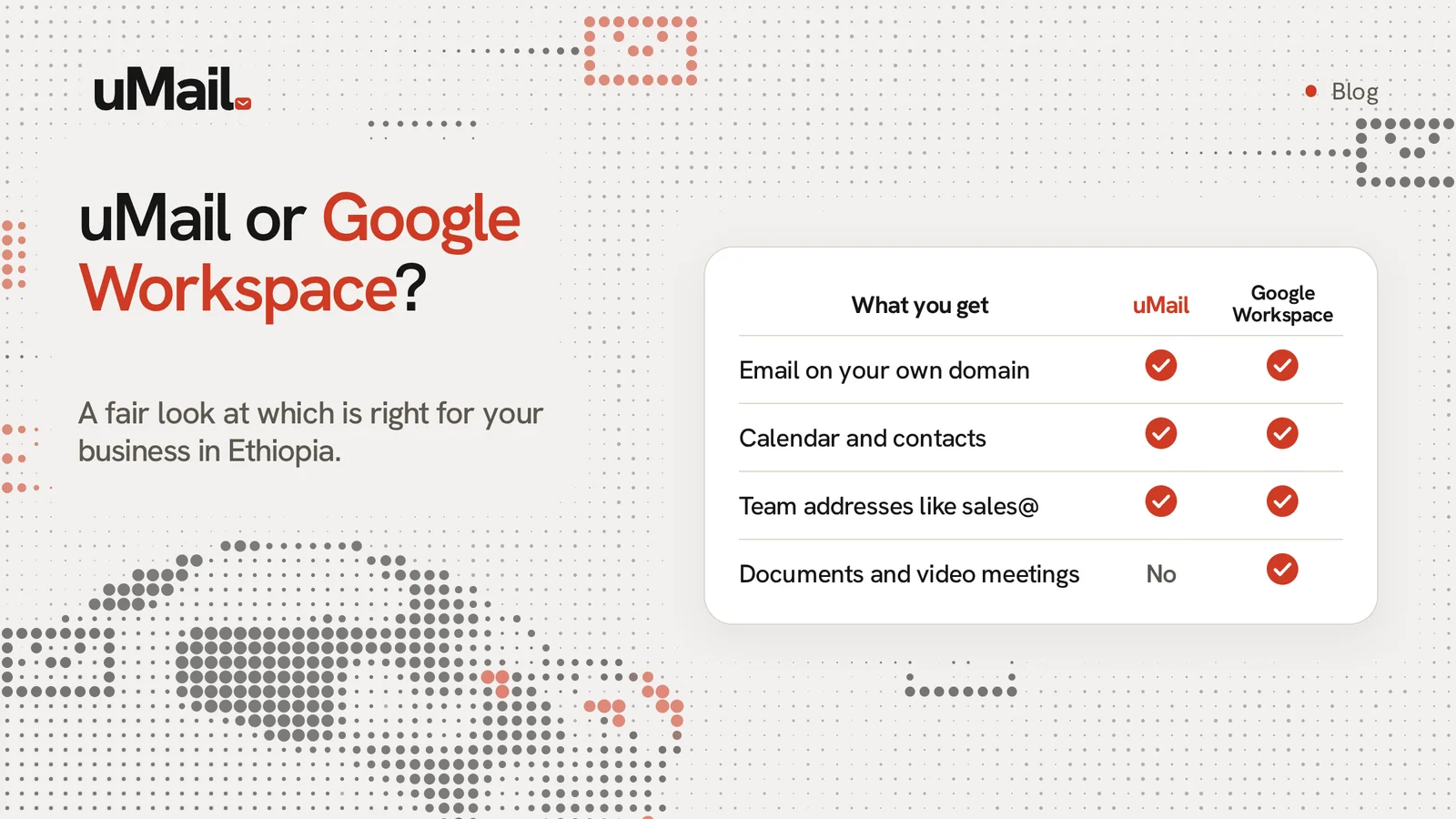
| Email on your own domain | Yes | Yes |
| Calendar and contacts | Yes | Yes |
| Documents, spreadsheets, video meetings | No. uMail is email, calendar and contacts. | Yes |
| Team addresses like sales@ | Yes, shared by the whole team | Yes |
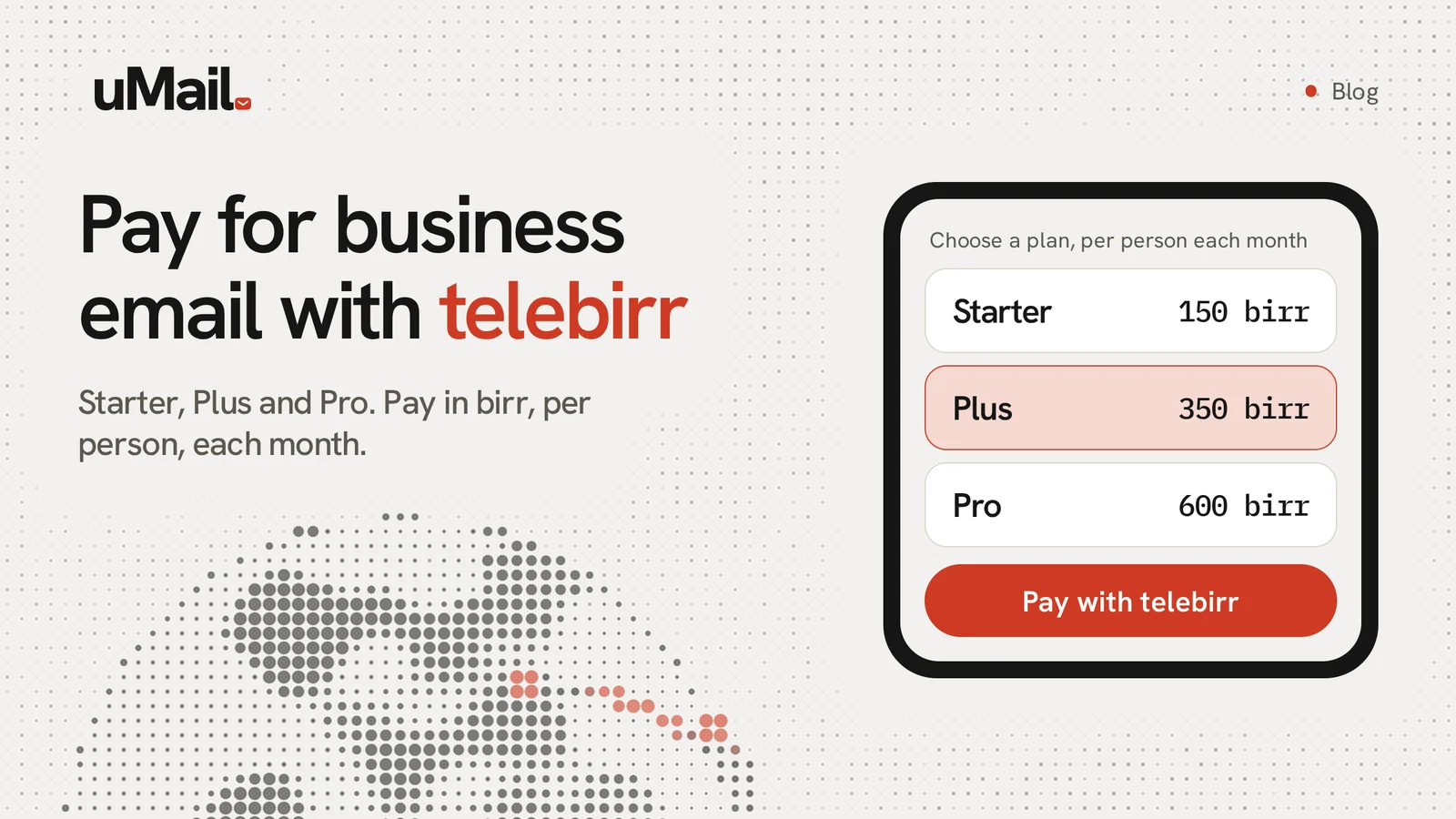
| Price | Starter 150 birr, Plus 350 birr and Pro 600 birr for each person each month. Check the pricing page for today's prices. | From about $7 for each person each month on a yearly plan, or $8.40 month to month. Prices change by country. |
| How you pay | In birr, with telebirr | By international card, in US dollars |
| Help | Free support in your time zone | Standard support is included. Faster support costs extra. |
| Where mail is kept | In the EU | In Google data centers around the world |
Where Google Workspace is strong
Google has a very large set of tools. If your team already writes documents together and holds video calls every day, having everything in one place is useful. Many people also know Google tools already, so there is less to learn.
Where uMail is strong
uMail does one job and tries to do it well: your company email. It has team addresses, undo send, send later, snooze, reply later, signatures and a vacation reply. You pay in birr. Our help is in your time zone, and it is free.
Can I use both?
Yes. Some companies use uMail for email and use other tools for documents and meetings. Your email address stays the same.
How to decide
Ask yourself three questions:
- Do we need more than email, a calendar and contacts?
- How do we want to pay, and in which money?
- Who will help us when something goes wrong?
If email is the main need, try uMail. You can start free and see if it fits. You can also bring your old mail to uMail from Gmail and other services.